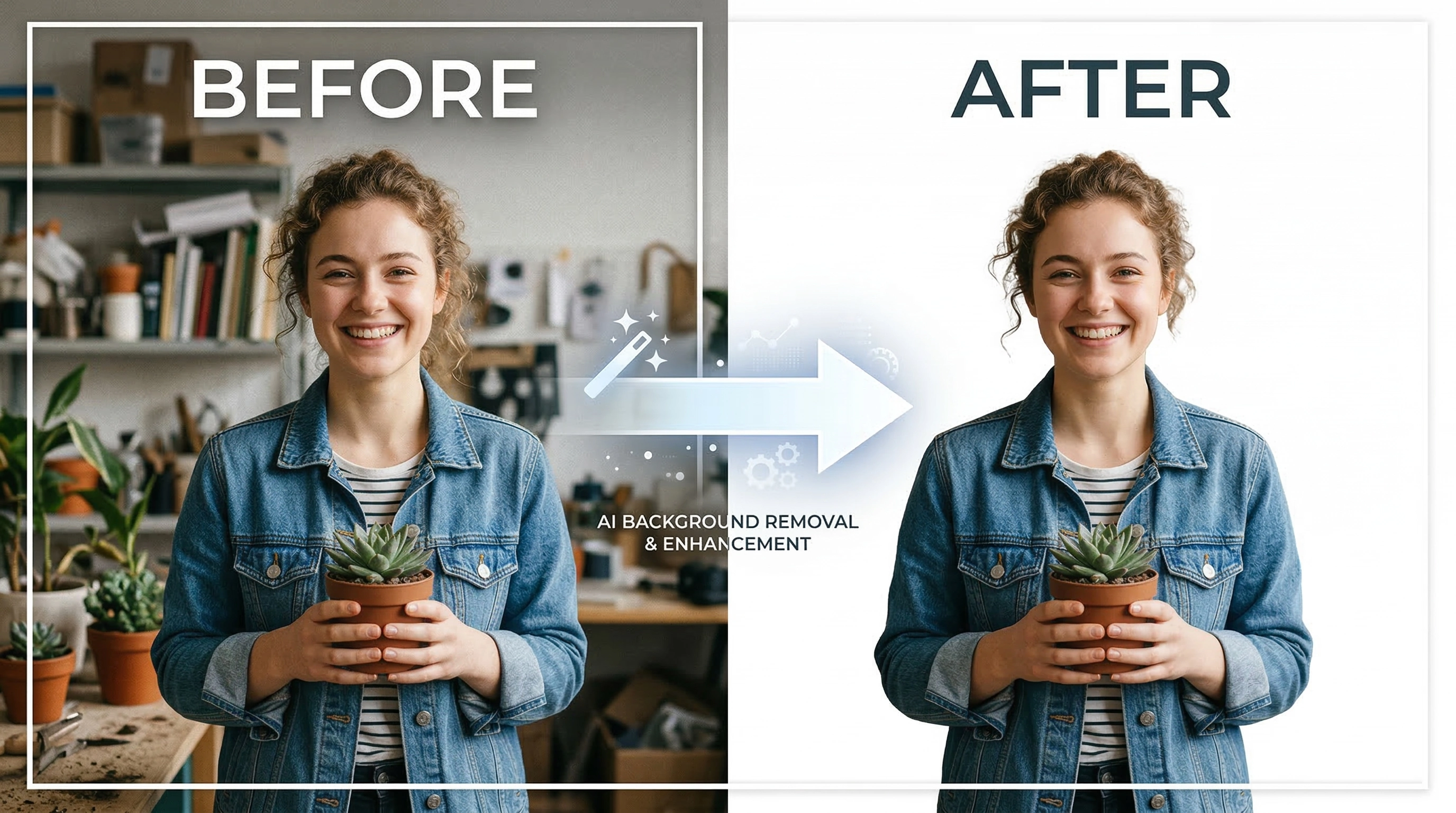
In the modern digital landscape, the demand for striking visuals in e-commerce, social media, and professional branding has never been higher. Relying on complex graphic design software simply to extract a subject is becoming a thing of the past. By leveraging our state-of-the-art AI background remover, anyone can effortlessly isolate the core focus of their photo without a steep learning curve. Not only is this online tool exceptionally fast and convenient, but it also provides a unique advantage when it comes to data security—a promise very few alternatives on the internet can make. We understand that time is of the essence when creating digital content, which is why we have crafted a tool that requires zero clicks to initiate the masking process.
The Next Generation of AI Background Removal
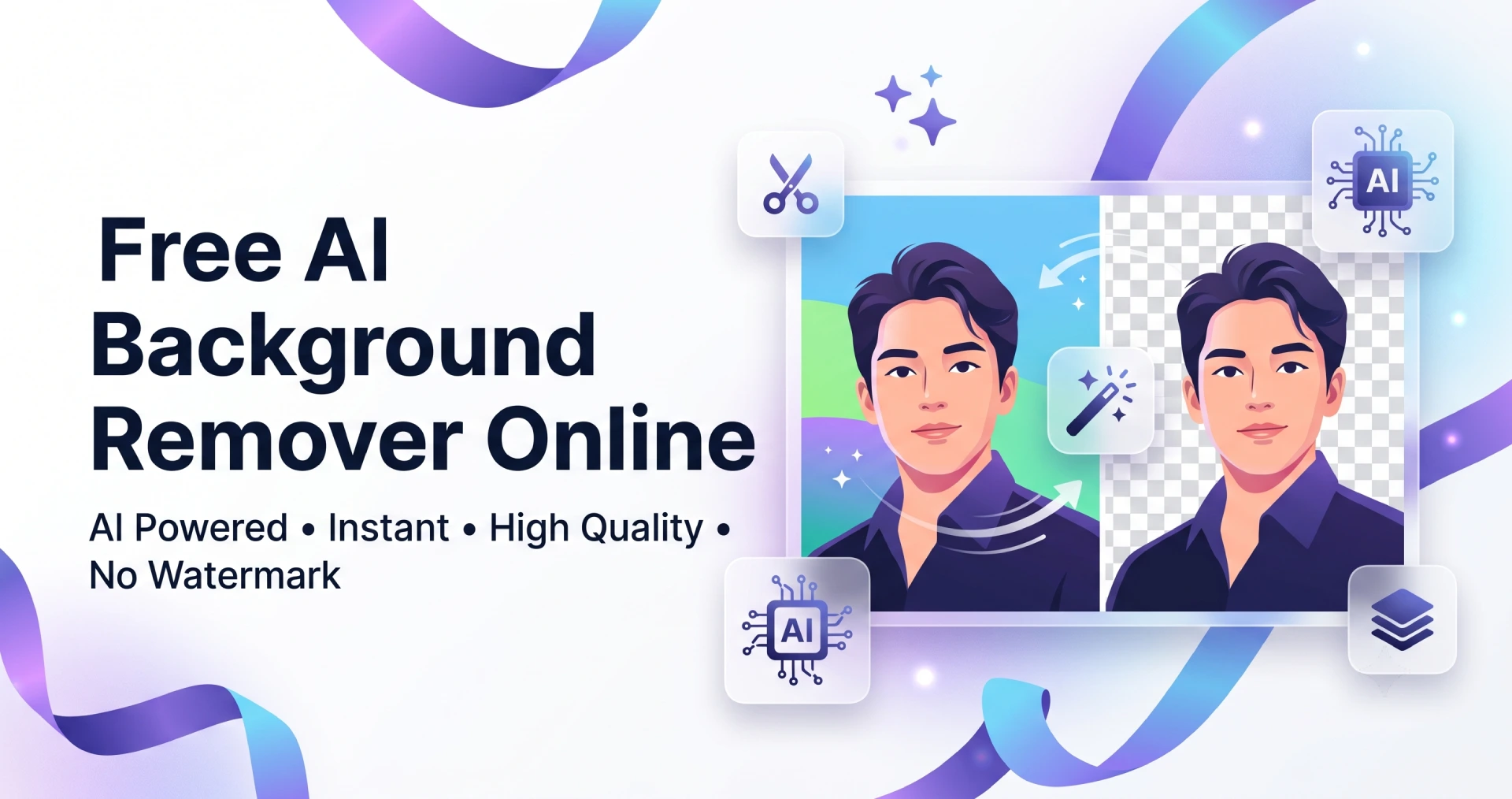
BraveTool has been engineering a specialized solution dedicated entirely to removing unwanted backgrounds through a single, intelligent process. Instead of spending hours using the pen tool or magnetic lasso, our system uses deep learning algorithms to distinguish between the foreground subject—whether it’s a person, a product, or a pet—and the distracting elements behind it. This precise analytical capability almost completely eliminates the jagged edges or awkward halos frequently found in manual cutout attempts.
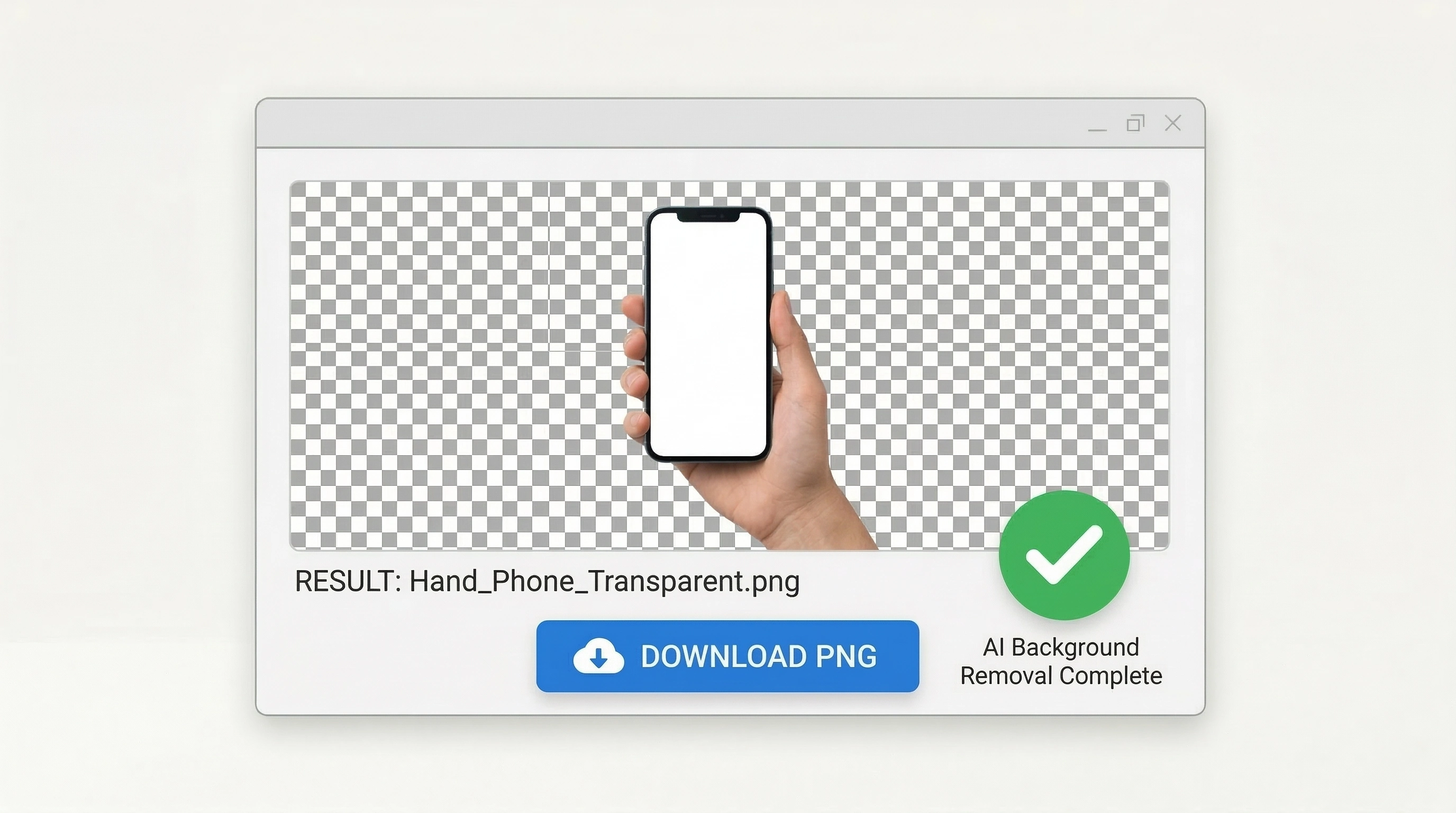
From a raw, unedited photo, our engine generates a flawlessly transparent PNG file. Everything you see after uploading focuses purely on the intricate details of your main subject, leaving it perfectly prepared for your upcoming marketing campaigns and creative projects.
Ultimate Privacy: Why Browser-Based Processing Matters
A significant concern with many free online services is that your personal or proprietary business images must be uploaded to a remote, third-party server. This poses undeniable risks concerning data leakage and unauthorized usage. We are redefining data security through a revolutionary private browser-based processing architecture. To remove image backgrounds online with our utility, your files don't have to travel anywhere.
- Local Device Execution: The AI model runs directly within your computer’s or mobile device’s processor and memory.
- Maximum Rendering Speed: You completely bypass the frustrating wait times associated with uploading large files over a slow internet connection and downloading the result from a cloud network.
- Enterprise-Grade Security: Whether you are working on confidential product prototypes, personal identification documents, or private portraits, you can have 100% peace of mind knowing your files never leave your screen.
Ideal Image Types for Machine Learning Recognition
While our machine learning technology is highly adaptable, providing the right kind of physical photo structure will guarantee the sharpest and most accurate cutouts. Certain visual compositions naturally yield spectacular results when processed by the model:
Personal Portraits
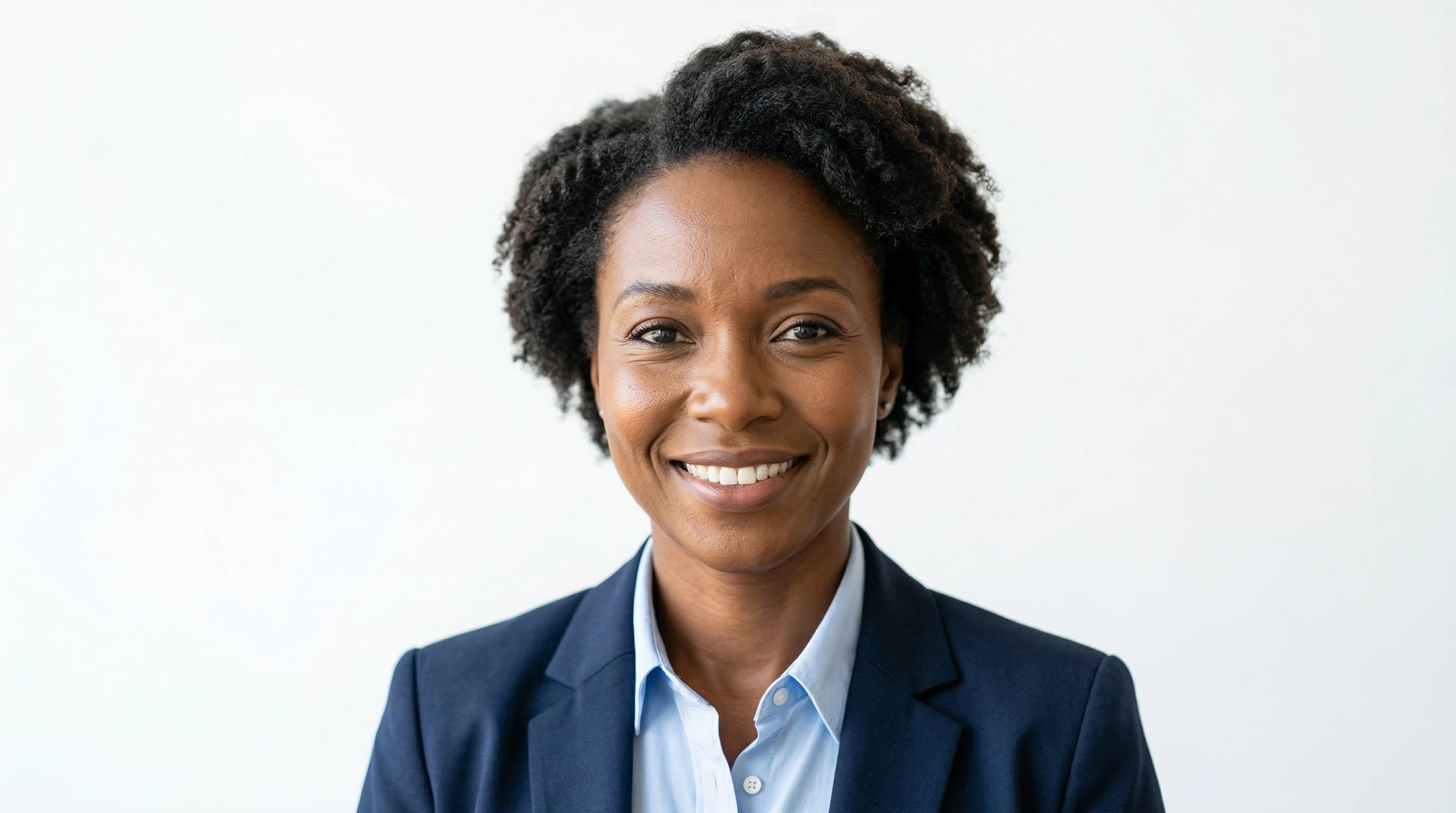
Retaining hair details and facial contours. Highly recommended for instantly creating professional display pictures for your CV or corporate social media profiles.
E-commerce Products
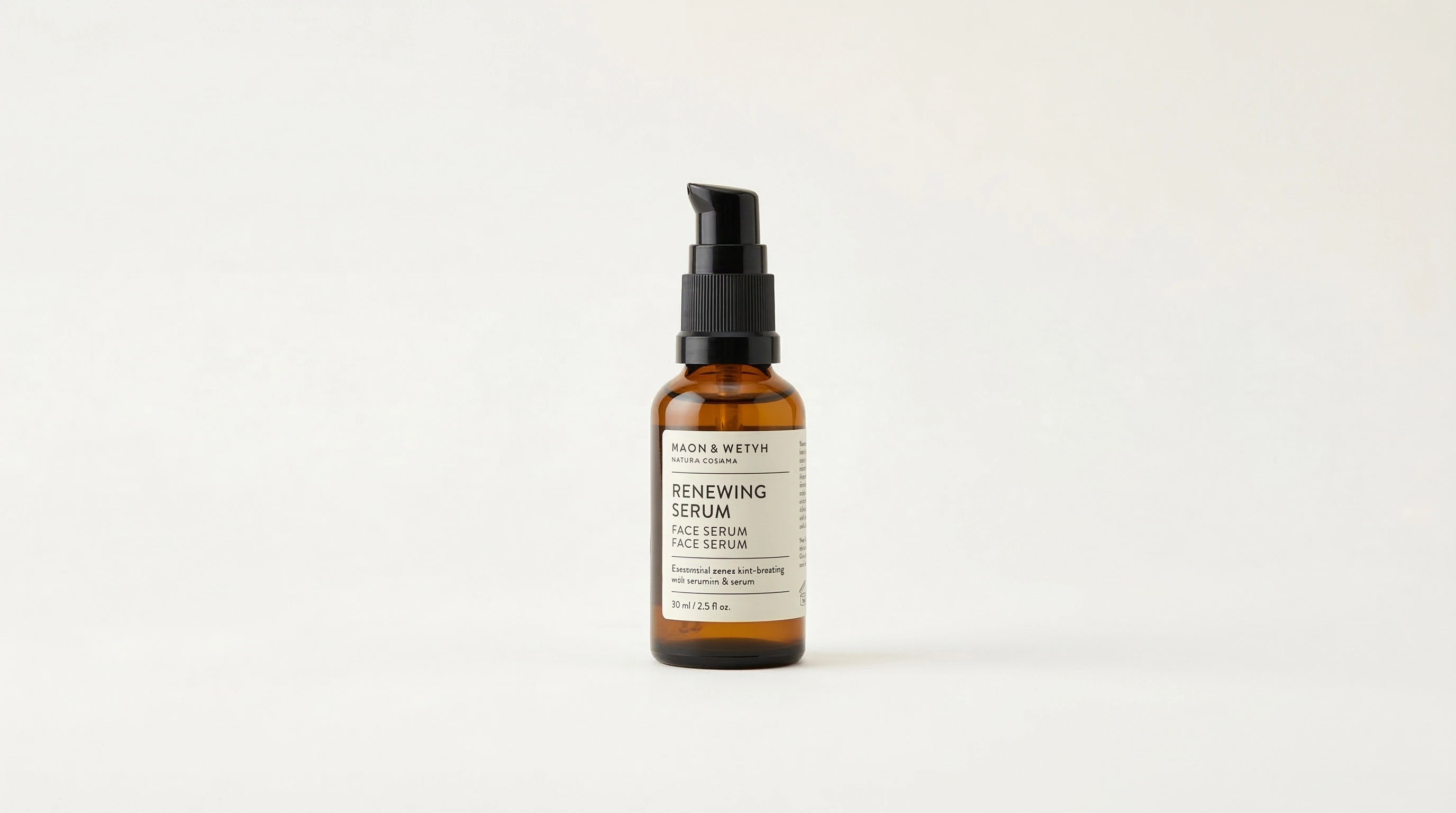
Boxes, bottles, cosmetics, and apparel are accurately masked. This meets the strict marketplace standards of Amazon, Shopify, or any digital storefront catalog.
Pets and Animals
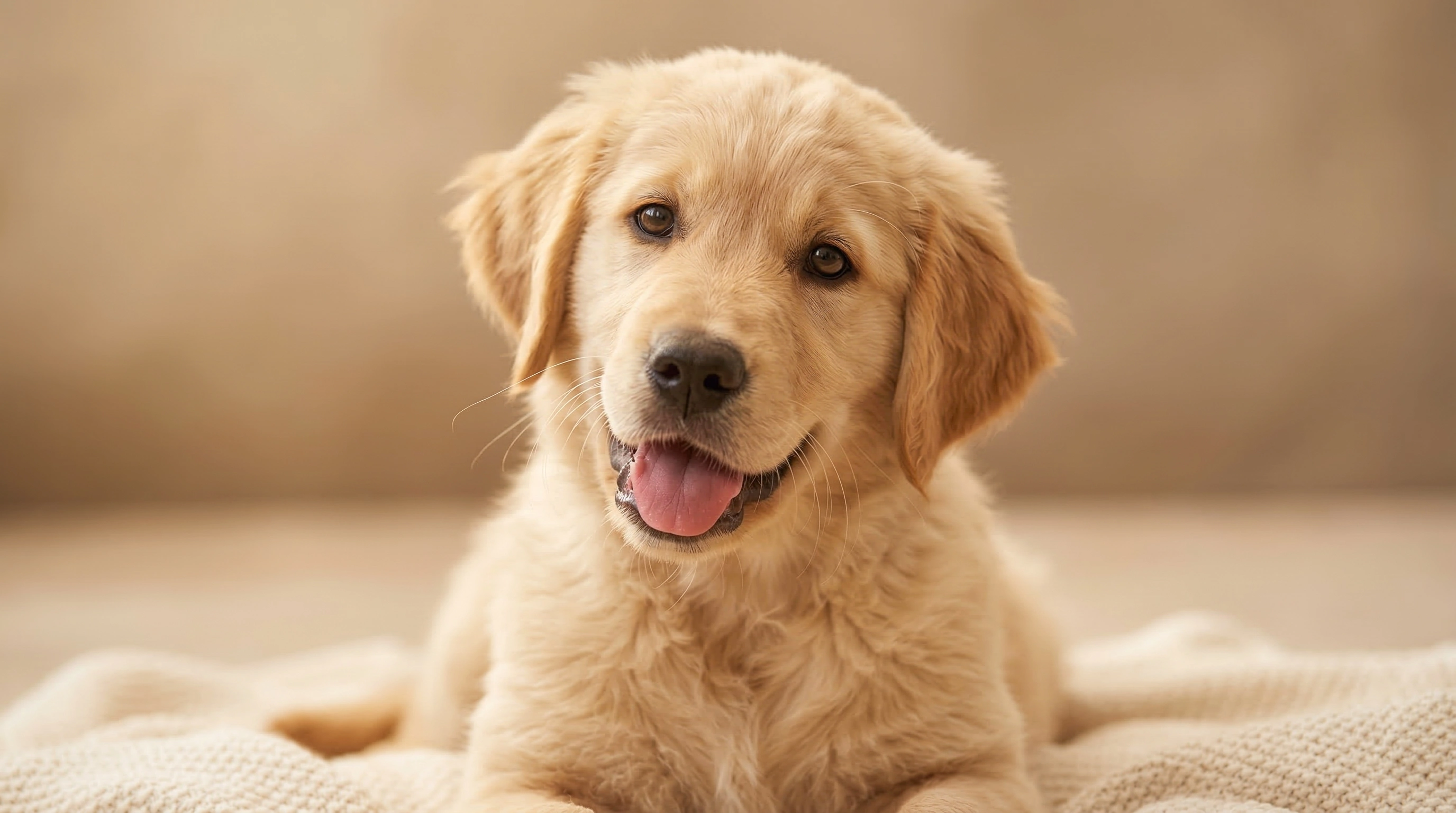
The ability to capture fine fur and whiskers makes your pets pop, allowing you to easily drop them into fun, custom environments.
Well-Lit Environments
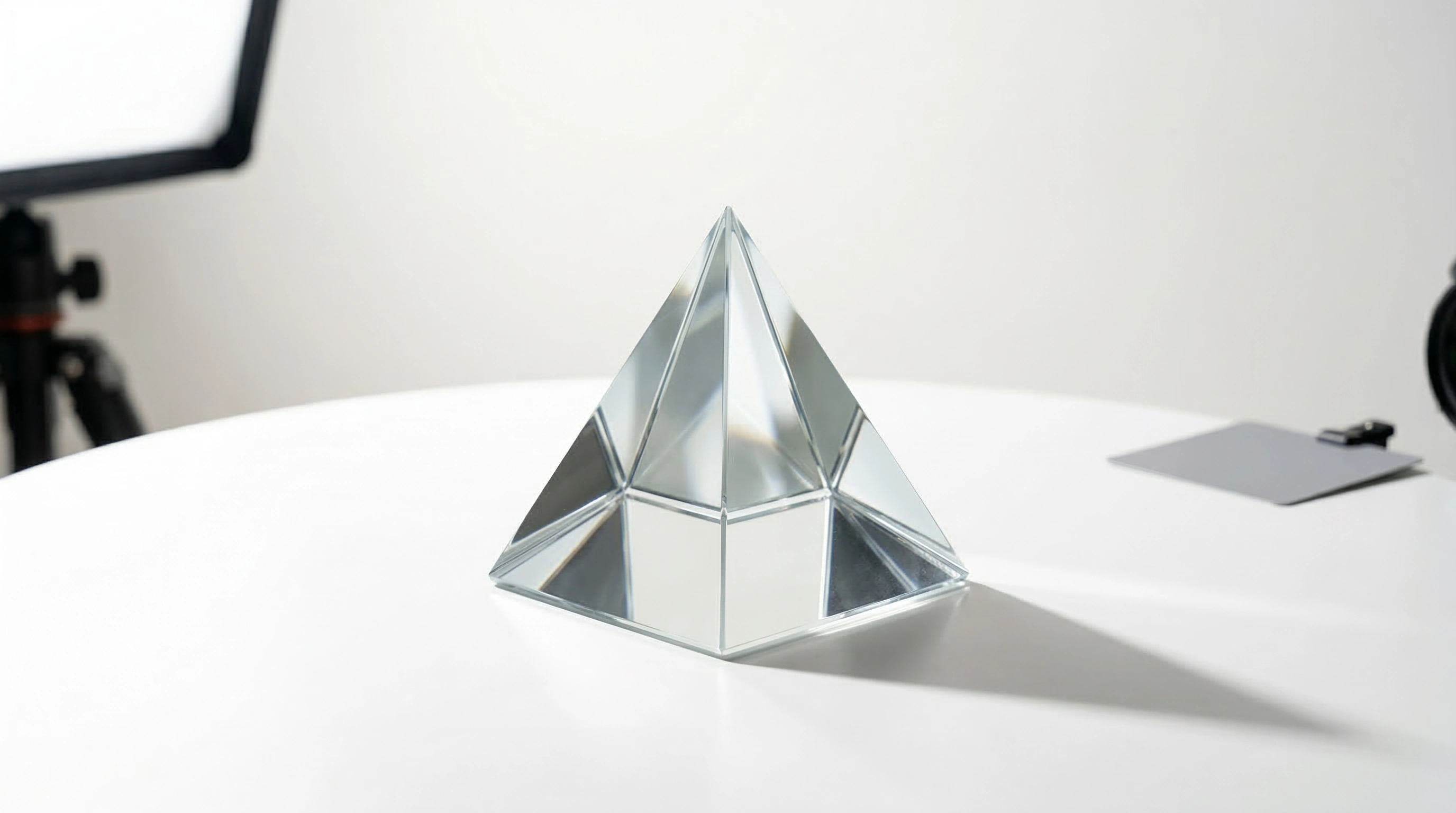
Scenes with clear color separation and distinct contrast between the main subject and the backdrop allow the algorithm to draw boundaries at lighting speeds.
A Seamless 3-Step Workflow
No wandering through complicated menus, and absolutely no tedious manual brush adjustments. You get to enjoy the smoothest possible workflow simply by following these streamlined steps:
- Direct Image Insertion: Click to browse from your local drive, or simply drag and drop any standard image format straight into the browser's workspace area.
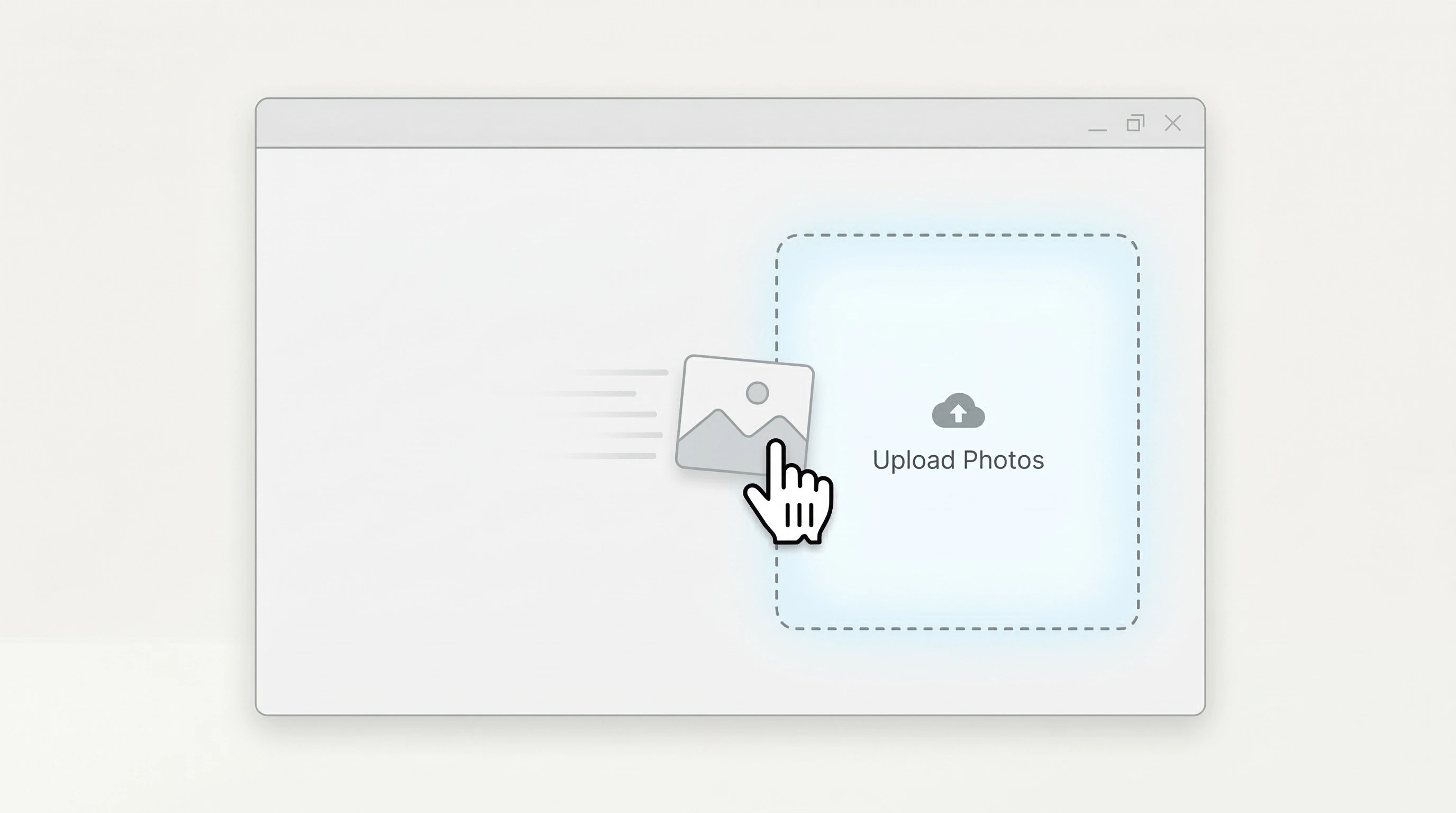
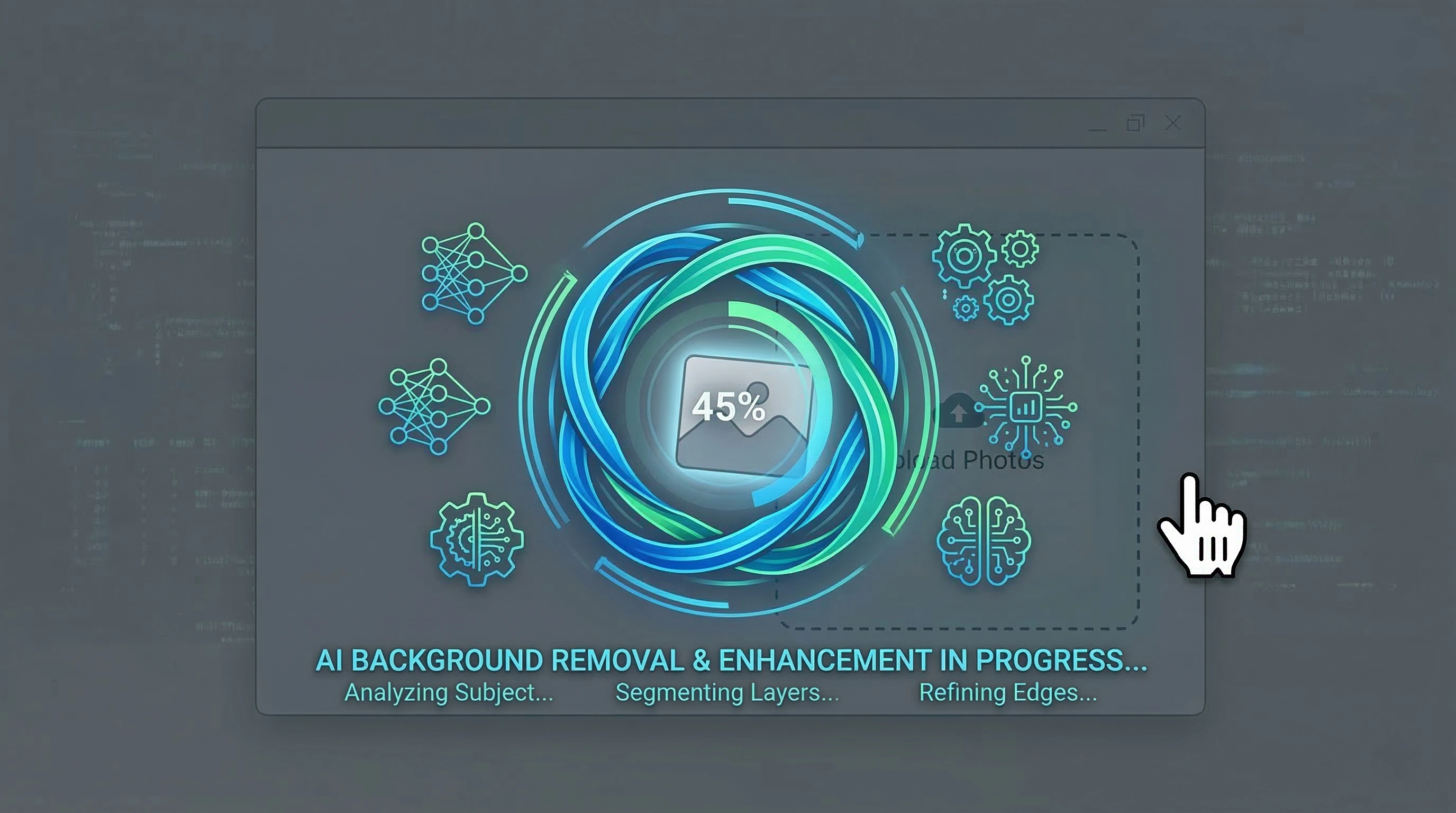
- Automated Extraction: The moment the interaction occurs, the core algorithm goes to work to define the boundaries. There is absolutely no need for you to click or highlight the areas you want to keep.
- Review and Download: Once the crisp cutout appears in front of you, the final step is to hit the download icon. Your computer will save the image with full Alpha Channel support, delivering an industry-standard format.
Unlimited Design Possibilities
The file you receive will be completely devoid of any background pixels. This structural freedom means you can effortlessly layer or superimpose the image onto any canvas—whether it’s in Adobe Photoshop, a PowerPoint presentation, or web-based design platforms like Canva.
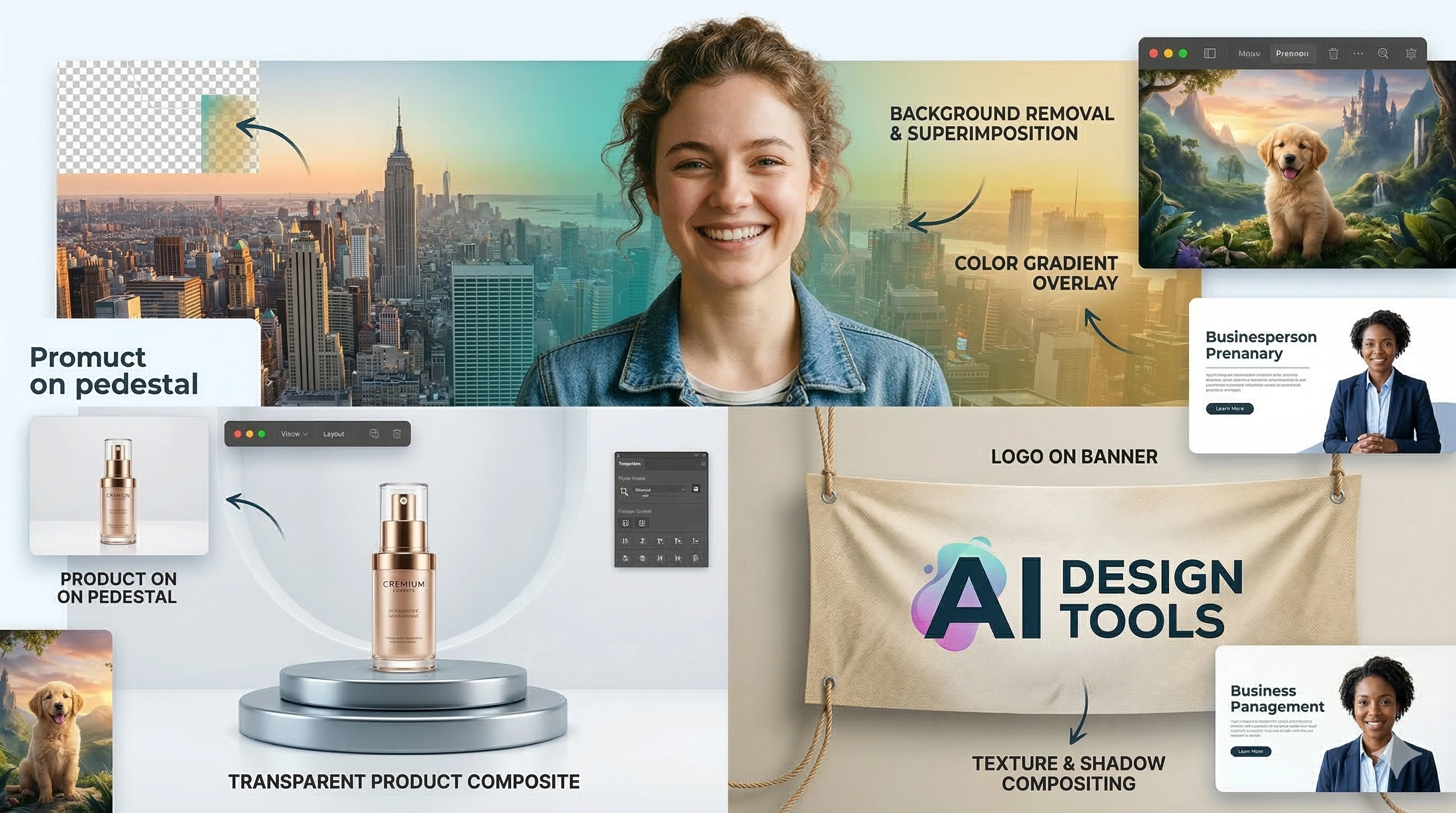
Combined with simple drag-and-drop skills, you can transport a portrait into an elegant European cityscape, place a pair of sneakers onto a sleek 3D rendered pedestal, or smoothly integrate a floating brand logo into an event promotional banner. The versatility of a clean cutout empowers your creative vision to its fullest extent.
We are shortening the design loop, putting maximum efficiency right at your fingertips. Producing an automatic image cutout is now an accessible, stress-free task that saves you hundreds of dollars on premium software subscriptions while delivering picture-perfect results.
Ready to see the magic? Drag and drop one of your photos into the frame right now and experience this refined technological tool firsthand!