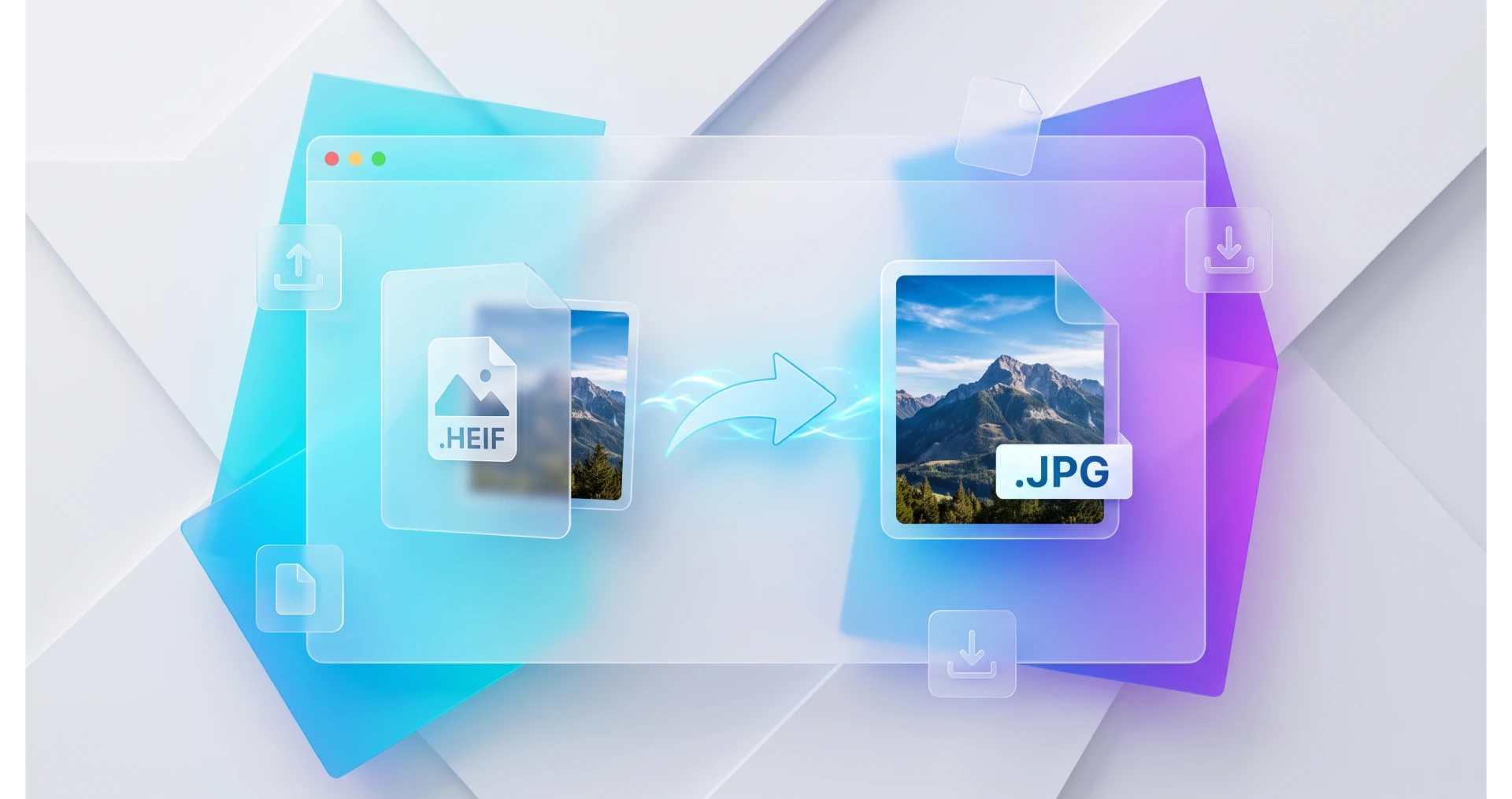
As an Apple user, you might have noticed that modern iPhones and iPads save your cherished memories in a highly efficient but sometimes frustrating file format. While this innovative technology does wonders for saving storage space on your mobile device, it can quickly become a severe bottleneck when you try to share these files across different operating systems. Whether you are a web developer attempting to upload product photos to a content management system or a graphic designer trying to import resources into Adobe software, encountering a compatibility error is a common headache. That is precisely where our robust digital solution steps in. Let's explore how our browser-based utility seamlessly bridges this gap without asking for a dime.
Table of Contents
The Challenge with iOS Image Formats
The digital landscape thrives on universal accessibility. Although Apple's proprietary extension is a marvel of compression engineering, the broader internet infrastructure, including most legacy web browsers and Windows operating systems, does not natively embrace it. This lack of initial support creates a massive barrier for professionals who demand seamless cross-platform workflows. Deciding to shift these visual assets is not merely a matter of changing a file extension; it is entirely about guaranteeing that your photographs are instantly recognizable by any piece of software on the planet.
Why You Need to Convert HEIC to PNG?
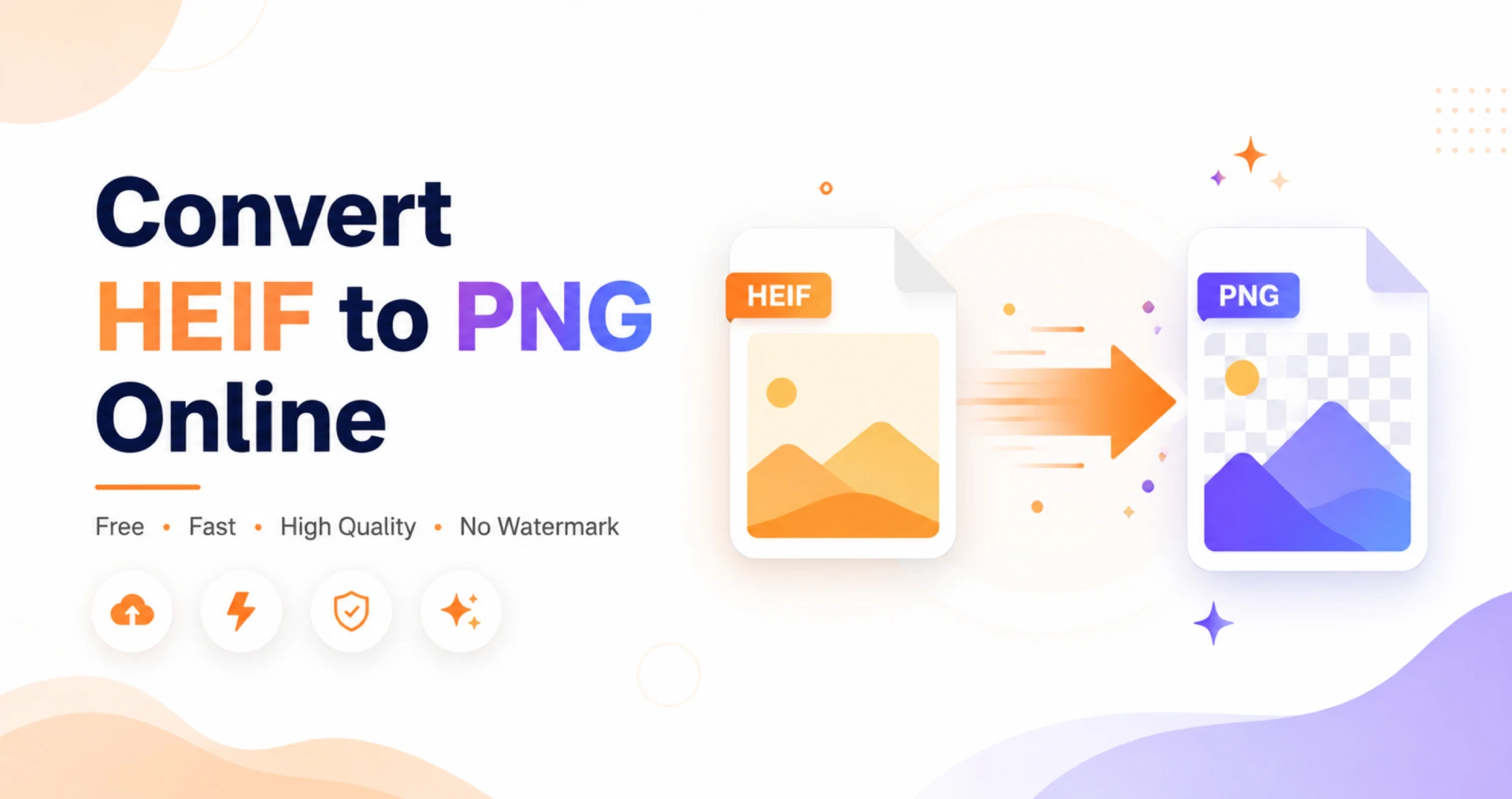
Unlike changing your pictures to standard JPEGs—which often suffer from destructive compression artifacts—shifting to the Portable Network Graphics architecture ensures that not a single pixel of detail is sacrificed. When you deliberately choose to convert heic to png, the underlying algorithm meticulously maps and preserves the exact color profile and structural integrity of the original photograph. This means that the vibrant sunset you recently captured on your smartphone will look identically stunning when displayed on a massive desktop monitor or integrated into a complex digital brochure.
Core Benefits of Using Our Free Tool
When navigating the vast sea of online utilities, reliability and robust data privacy are paramount. The BraveTool ecosystem has been specifically engineered to offer a seamless, professional-grade transformation process without the typical drawbacks of cloud-based processing. Here are the standout advantages of integrating our system into your workflow:
Uncompromising Privacy Security
Every calculation happens locally within your device's memory. Because we never upload your private documentation or portraits to remote servers, the risk of data breaches is completely eliminated.
Remarkable Detail Retention
By adopting a lossless methodology, the resulting graphics maintain the exact dimensional proportions and visual clarity of the original shots, making it ideal for professional printing or interface design.
Efficient Batch Execution
Time is money. Instead of waiting for individual files to render, you can drag and drop entire folders. The system processes multiple multimedia assets simultaneously, significantly reducing your project duration.
Three Simple Steps on How to Convert HEIC to PNG
One of the most frequent questions we receive from users is how to convert heic to png without needing a degree in computer science. We have stripped away all the complex configurations, allowing you to focus purely on your creative tasks. Just follow this straightforward guide:
Step One: Launch your preferred web browser and navigate directly to the BraveTool portal. The interface is purposefully minimal to ensure you avoid getting distracted by cluttered menus.
Step Two: Locate your target media on your hard drive. Click the designated upload area to open a traditional file dialogue, or simply drag and drop the selected elements directly onto the active drop zone.
Step Three: Watch as the processing indicators light up. Because our advanced engine utilizes your local processor, the transition is remarkably swift. Once the success prompt appears, download your universally compatible files locally.
The Transparency Advantage
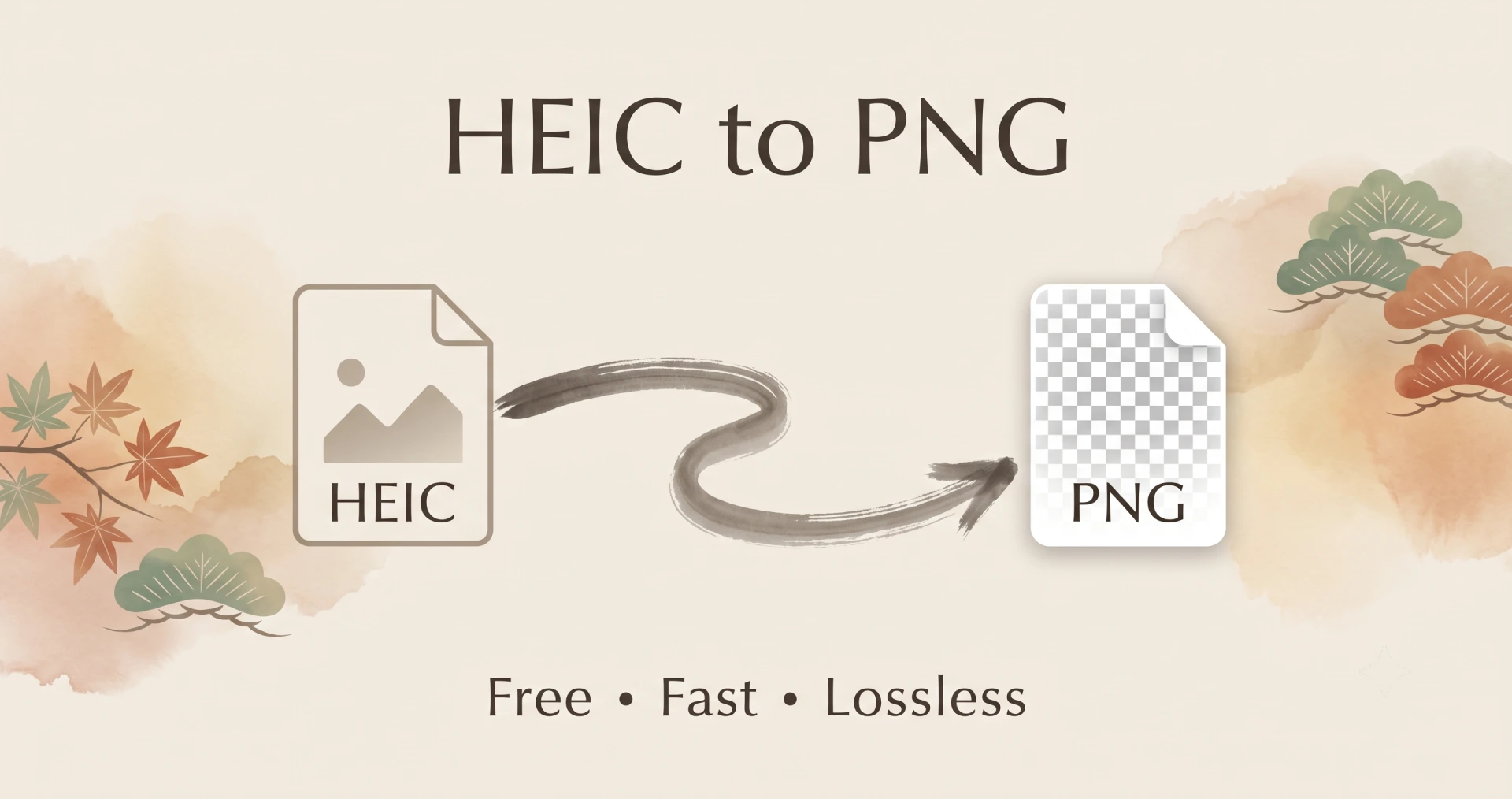
You might wonder why professionals heavily favor this specific format. The foundational answer lies in highly specialized alpha channel support. While various formats are excellent for displaying standard daylight footage, the Portable Network Graphics architecture is uniquely built to retain transparent backgrounds. This makes it the undisputed champion for graphic artists who need to cut out product prototypes, construct company logos, or build overlapping visual compositions. If your original iPhone picture incorporates any degree of transparency, our specialized heic to png converter free utility guarantees that these invisible layers are securely transferred, saving you countless tedious hours of background removal work in external editing software.
Conclusion
Whenever platform restrictions threaten to slow down your creative momentum, remember that a dedicated bridge exists to keep your multimedia projects moving forward flawlessly. We have combined blazing-fast local processing capabilities with ironclad privacy measures to give you ultimate control over your digital library.
Ready to completely remove compatibility barriers from your digital workspace? Start using our powerful heic to png converter today and experience perfect preservation of your photos completely free of charge!